A reorder point is a trigger
A reorder point estimates the inventory level at which you should consider placing a replenishment order under the chosen assumptions. It combines expected demand during the wait for new stock with a buffer. It answers when to reorder, rather than how many units to buy.
Start with a consistent time unit. If demand is measured in units per day, lead time must be in days. Check whether your business uses calendar days or working days, and make the demand estimate match that choice.
Work through the basic formula
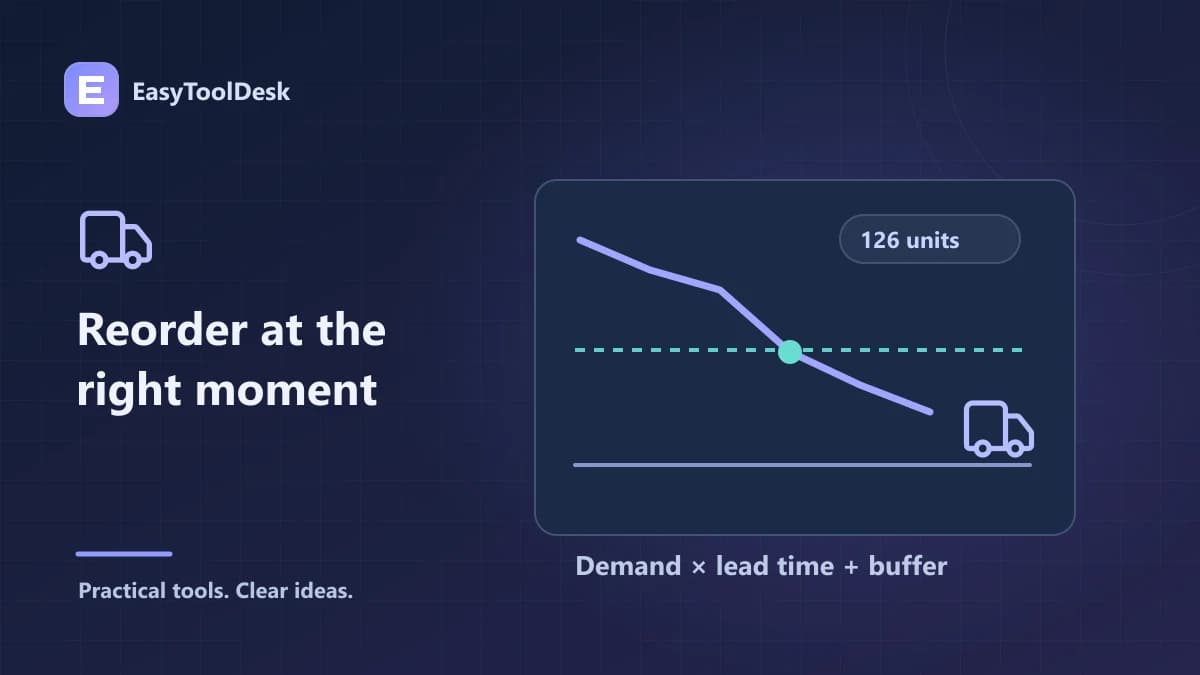
Reorder point = average daily demand × lead time in days + safety stock. Suppose demand averages 12 units a day, lead time is eight days, and the chosen safety stock is 30 units. Expected lead-time demand is 12 × 8 = 96 units. Adding the 30-unit buffer gives a trigger of 126 units.
In a stable illustration, ordering at the trigger leaves enough stock for the average 96 units of demand while replenishment is in transit, plus the stated buffer. Actual demand and arrival times can vary, so the trigger does not guarantee that a stockout is impossible.
Define what inventory you monitor
Real replenishment systems often distinguish stock physically on hand from inventory position, which can include incoming stock and subtract committed demand. Decide what your process monitors before applying a trigger. Otherwise, two teams may act on different numbers while using the same nominal reorder point.
The EasyToolDesk calculator only performs the demand-times-lead-time-plus-buffer calculation. It does not track open purchase orders, reserved items, supplier capacity, or the stock you currently hold. Bring those records into the operational decision separately.
Test a delay scenario
If lead time increases from eight to eleven days while other assumptions stay fixed, lead-time demand becomes 12 × 11 = 132 units. Adding 30 units gives a 162-unit trigger, 36 more than before. This shows how a modest delay can change the stock needed during replenishment.
Review demand using a period that reflects current trading conditions.
Update lead time when a supplier or shipping process changes.
Explain how the safety-stock buffer was chosen; the simple formula does not estimate a service-level probability.
Keep order quantity decisions separate from the reorder trigger.
Check whether promotions or seasonal demand make the historical daily average misleading.
Frequently asked questions
Can I use zero safety stock? Yes, the arithmetic then covers average lead-time demand only. Whether that is operationally acceptable depends on variability and the consequences of running out; the calculator does not make that decision.
Does this tell me my ideal order quantity? No. Supplier minimums, order costs, carrying costs, shelf life, and available storage belong to a separate quantity decision.
Use inventory turnover to review historical stock movement alongside your replenishment process.