Define the conversion before calculating
A conversion rate compares a count of defined outcomes with an eligible starting count. The most important decision comes before division: what counts as a conversion, and what population could produce it? A purchase rate, lead rate, and signup rate can all be legitimate measures, but they should not share an ambiguous label.
For a website example, you might count visitors who placed an order divided by visitors in the same period. Another report might use orders divided by sessions, or advertising conversions divided by clicks. These choices can produce different percentages without any calculation being wrong.
Work through the formula
Use conversion rate = conversions ÷ eligible visitors × 100 for the visitor-based model. If 120 converting visitors are recorded out of 4,000 eligible visitors, the result is 120 ÷ 4,000 × 100 = 3%. Label the result with the event, population, and dates.
Now compare a second period with 150 converting visitors and 6,000 eligible visitors. It produces more conversions in total but a lower rate: 2.5%. The extra volume and the lower percentage can both be true. Review counts alongside the headline rate so a percentage does not hide growth or decline.
Measure percentage-point and relative changes separately
A change from 2% to 3% is an increase of 1 percentage point. Relative to the original 2%, it is a 50% increase: (3 − 2) ÷ 2 × 100. Calling it merely a 1% increase would leave the interpretation unclear.
Small samples need care. Two outcomes from 20 visitors also produce 10%, but that does not make the estimate as stable as 1,000 outcomes from 10,000 visitors. The simple calculator returns arithmetic; it does not calculate uncertainty or establish that a test variation caused a change.
A checklist for a usable rate
Specify whether the denominator is visitors, sessions, clicks, or another count.
Use the same period and cohort for numerator and denominator.
Avoid counting duplicate events as distinct converting people when reporting a person-based rate.
Check tracking changes, missing events, and delayed reporting before drawing conclusions.
Keep a zero-denominator result undefined rather than presenting it as a meaningful percentage.
Frequently asked questions
Can a conversion rate exceed 100%? A unique-person conversion share cannot exceed 100%. An events-per-visit ratio may do so if several events can occur per visit. Name the measure accordingly instead of confusing it with a share of people.
Does EasyToolDesk collect my analytics? No. You enter the counts yourself. This calculator does not connect to your analytics account or verify whether your tracking setup recorded them correctly.
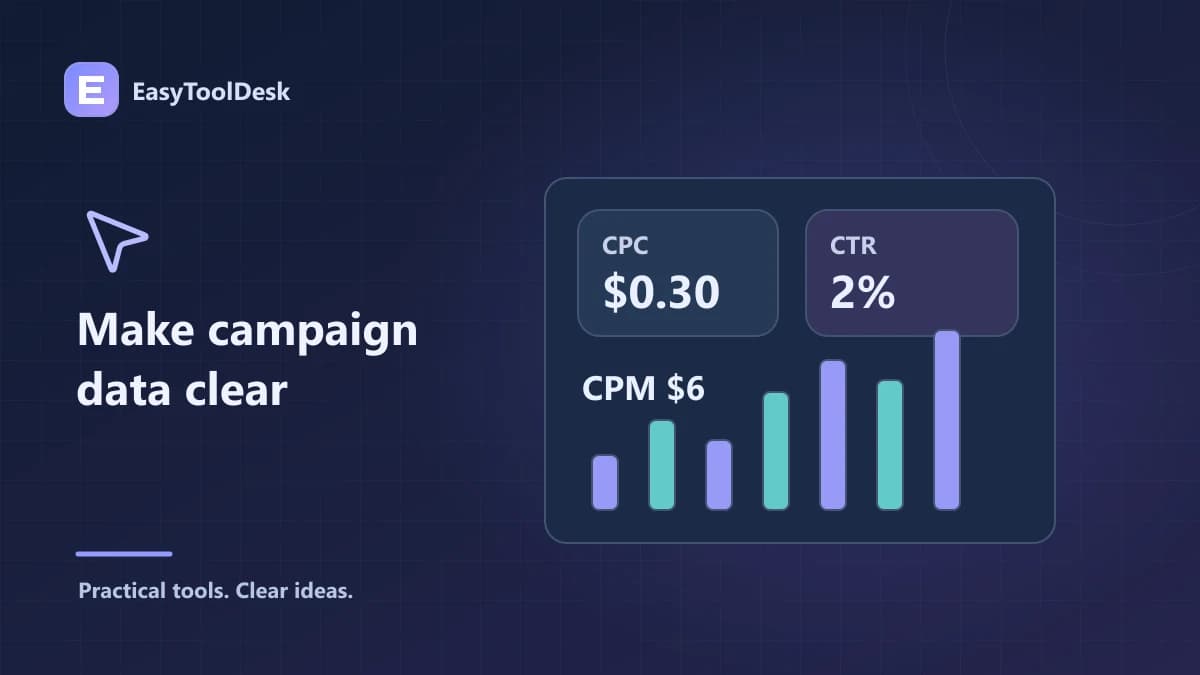
For advertising traffic, review CPC, CPM, and CTR before combining campaign reports.